Where does our content live?
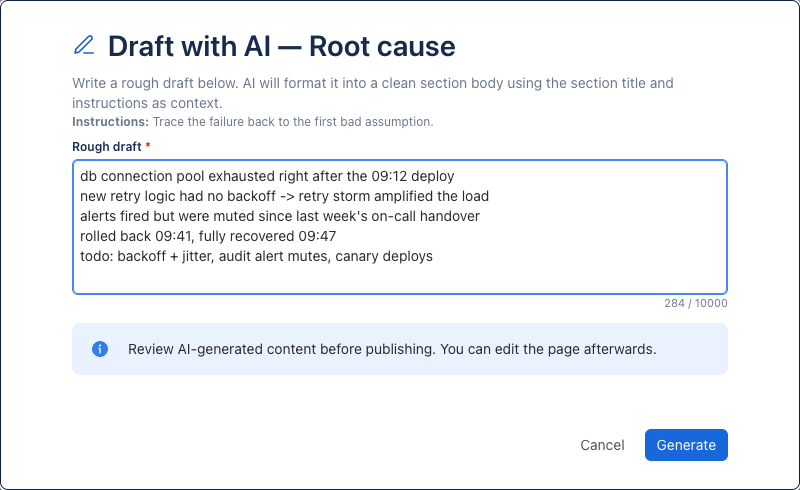
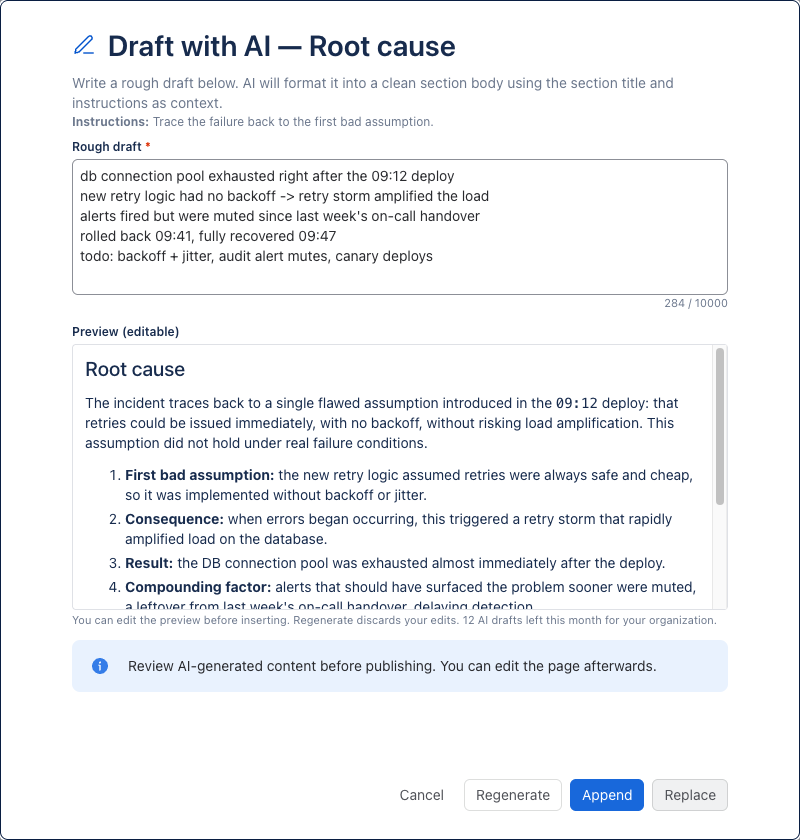
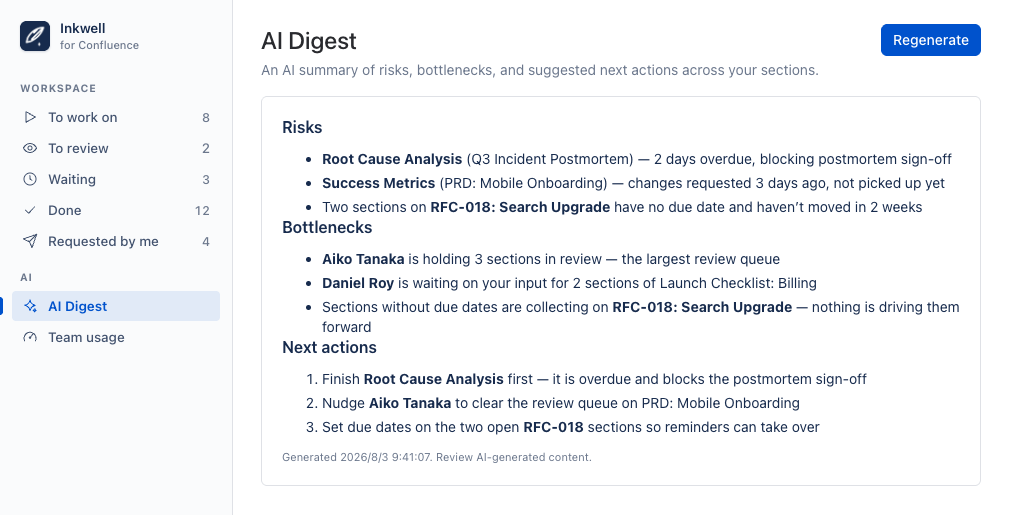
The section text itself lives where it always did — in the Confluence page body. Assign & Approve Sections stores only the tracking metadata (assignments, statuses, due dates) in Forge storage inside your own Atlassian tenant; nothing transits a MiddleCore server. The same goes for the AI features: Draft with AI and AI Digest run on Atlassian-hosted models (Forge LLMs), so prompts and drafts never leave Atlassian either — and admins can turn AI off for the site entirely.
How is it priced, and is there a trial?
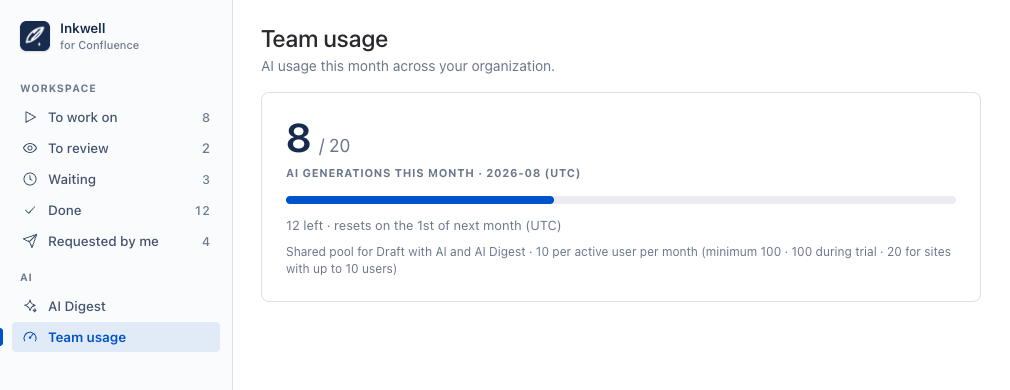
Assign & Approve Sections is distributed through the Atlassian Marketplace, so billing, trials, and updates run through your existing Atlassian account. It's free for sites with up to 10 users, and every plan has the same features; current pricing is shown on the listing. AI generations (drafts and digests) draw from a shared monthly pool sized by your user count — the app shows the current numbers under Team usage.
Can an approved section be edited?
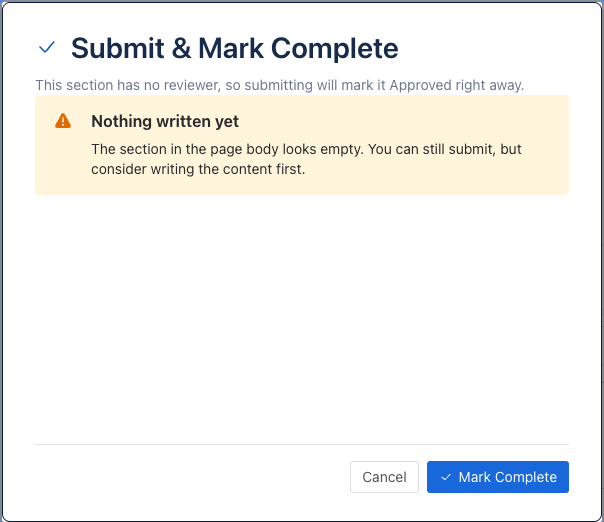
No — approval locks a section for everyone, including the page owner. That's deliberate: an approved section is a record that the content was accepted. If it genuinely needs to change, delete the section and create it again.
What happens if I remove the macro or delete the page?
Removing the macro keeps your section data and simply stops the board and its reminders; re-insert it and everything is back. Two copies of the macro on one page show the same list — a page has exactly one board. Deleting the page removes its tracking data.
Who can add, edit, or delete sections?
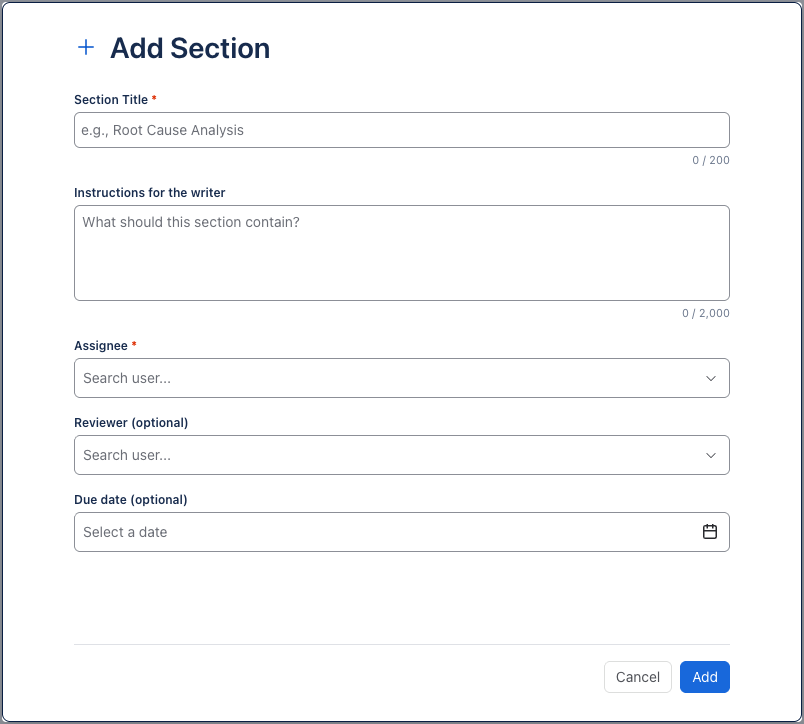
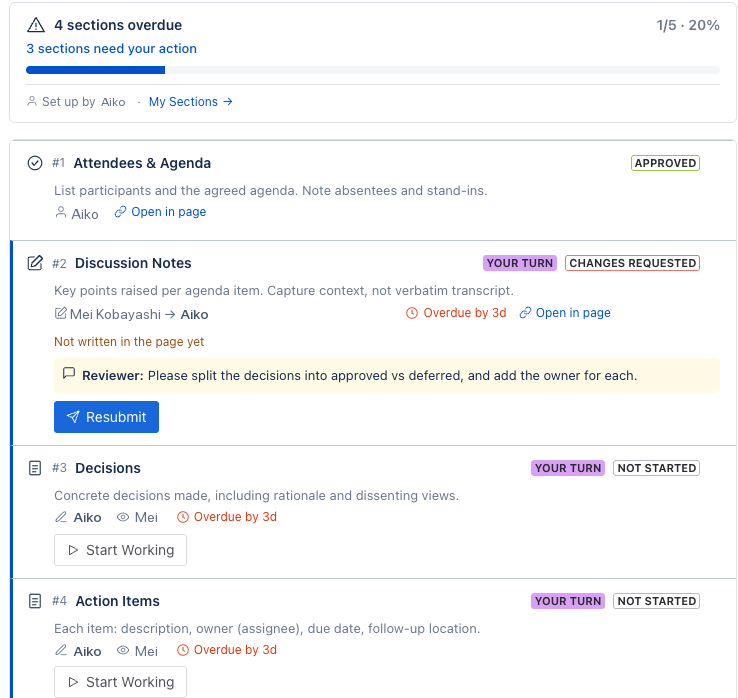
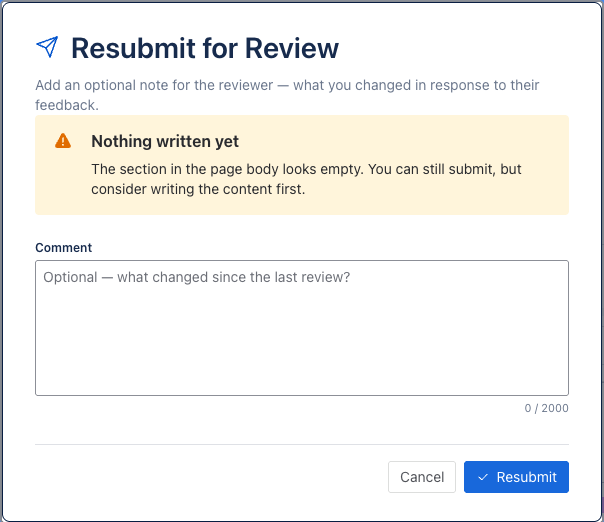
Anyone who can see the page can view the board; the controls follow the roles. The section's creator and the page owner can edit or delete it, the assignee starts and submits, and the reviewer approves or requests changes. Everyone else sees a read-only "Watching" state.